
Automate High-Volume Customs Declaration Preparation
Make repeat work faster to process and exceptions easier to review. CDUK offers several ways to reduce preparation work, and one account brings them all together. Your team files directly with HMRC, sees every declaration in one place and keeps the cost per entry down as volume grows, with no monthly fee and no minimum.
- Supported file imports
- Cloned entries
- AI document processing
- CDS bulk editing
- Import the repeat-lane spreadsheetUpload the lane file and rows that share a commodity code and origin merge into goods items.
- Update many goods items at onceSet package kind and marks once and apply them to every checked goods item in a single step.
- Clear the flags, then submitEvery missing field is listed by section. Jump to it, fix it, then submit your declaration.
- Clone the declaration for next weekCarry parties, goods items and transport details forward so only quantities and values change.
In a nutshell
High volume can mean thousands of entries, many goods lines in each declaration, or both. Each needs a different remedy. Customs Declarations UK (CDUK) is the platform for filing it in-house: spreadsheet imports and cloned entries for repeat work, AI document processing (IDP) for mixed paperwork, and bulk editing for Customs Declaration Service (CDS) declarations with many goods items.
Together these cut the preparation time behind every filing. Your declarants review and submit directly to HMRC, with built-in validation, a full audit trail and our UK team behind them. Workflow and team collaboration features spread the load across your people.
Pay as you go, or move to a custom plan with volume discounts as your numbers grow. This page helps you match the method to your workload and test a realistic peak day before you commit.
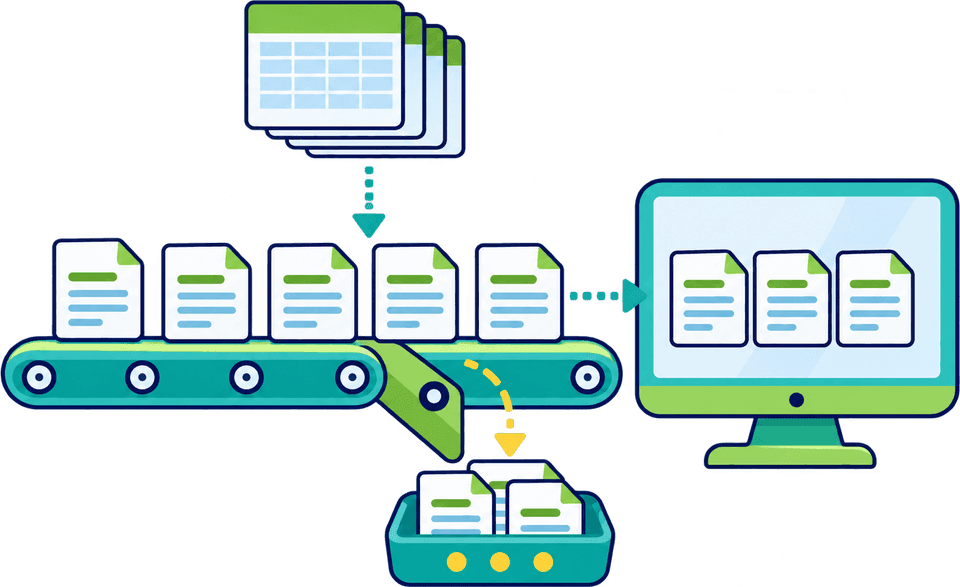
Four kinds of volume, four starting points
Work out which of these describes most of your load; many operations have two. Each card names the CDUK capability that suits it, so you can start with the biggest source of repeated effort.
Many similar declarations
- Saved parties
- Cloned entries
Use saved parties and cloned entries as the starting point for every repeat movement. Update the movement details and check the facts that have changed, and a lane you file every day becomes a short review instead of a fresh entry. Templates make your most common declarations a single click away.
- Tidy party records make every reused entry trustworthy
- Define the fields that change on each run and check those first
- Recheck origin, value and procedure evidence on each new run
A cloned entry is a new declaration, reviewed before you submit.
Talk through repeat workloadsMany items in one CDS entry
- CDS bulk editing
- Grouped requirements
Apply common item information to selected lines and work through grouped commodity requirements in one pass. Where goods need different values or document codes, keep them separate and visible.
- Select one, several or all lines and apply shared information once
- Only the fields you complete are written; blanks stay unchanged
- Differences stay visible and every line can still be opened
Multi-item editing works within a declaration, across all of its goods lines.
See GB CDS declarationsDocuments arriving in different formats
- IDP
- Conflict review
Use IDP to extract information from invoices, packing lists and transport documents into a reviewable draft. Your team resolves any document conflicts and checks the resulting goods lines, with no per-document fee. Every supplier’s paperwork goes through the same review step before it becomes a declaration.
- Build a short review step into the process for every draft
- Name who resolves conflicting values between invoice, packing list and transport document
- Name who confirms that duplicate-looking lines are the same goods
No per-document fee for IDP on supported declaration types.
How IDP worksData already held in another system
- File import
- Integration scope
Start with CSV or Excel bulk upload, or scope an ERP, TMS or WMS connection via API with our team. Define the source fields, validation, submission controls and response handling, then automate the transfer once the workflow is proven.
- List the source fields and where each one is held
- Agree what is validated, by whom and at which point
- Decide how submission is controlled and how HMRC responses reach your team
ERP and API connections are scoped with our team around your workflow.
Discuss data and integrationThree capabilities, three different jobs
Volume projects work best when each capability is used for what it does well. Ask for each by name, so the scope you agree is the scope you receive.
| Capability | What it does | Best used for |
|---|---|---|
| Document processing (IDP) | Extracts information from source documents into a reviewable draft | Mixed paperwork arriving as PDFs, with your team reviewing the draft |
| File import (CSV or Excel) | Brings structured data into a declaration workflow where it is supported | Structured data from an ERP or spreadsheet, scoped for your declaration type |
| Multi-item editing | Applies common information to selected goods items inside one CDS declaration | Long CDS declarations with shared item information across many lines |
Our team confirms the exact workflows and interfaces for your proposal.
Design for the records that need attention
An efficient process makes incomplete data visible before it causes repeated failures. CDUK’s real-time validation and audit trail help you catch exceptions early, give each a named owner and fix it once.
- File or system dataRecords arriving in bulk
- Source documentsInvoices, packing lists and transport notes
Step 1: Surface the gap
Incomplete or conflicting records become visible before filing, flagged by real-time validation, not discovered after a rejection. Your team sees which declarations need attention and which are ready.
Step 2: Correct at the source
A named owner fixes the record and updates the source data, so the same gap does not return on the next run. Ownership is visible in the account, so your team can see who is dealing with each exception.
Step 3: Review and file
A named declarant checks the draft and submits to HMRC directly from your CDUK account. There is no handover to a third party, and the audit trail records who submitted what and when.
Step 4: Handle the response
Notifications of customs responses arrive in your account, and responses and queries return to the owner with a route to a corrected filing. Your team keeps a full history of every declaration from first draft to final outcome.
Customs responses arrive as notifications in your account, and our team helps you agree the retry and approval steps for your own process during onboarding.
Test what your peak day looks like
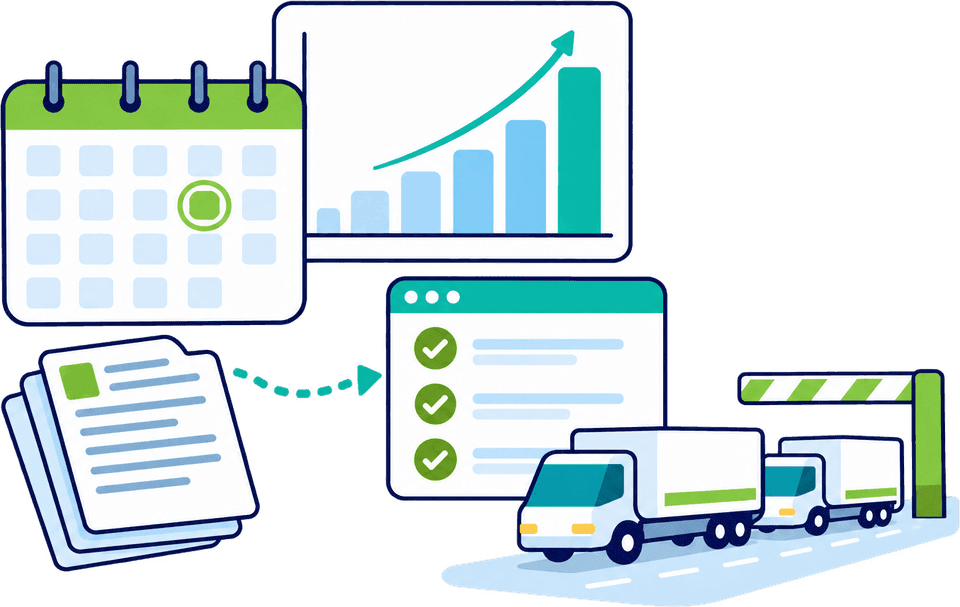
Agree a sample that covers normal records, large declarations, missing fields and rejected submissions. Check preparation time, review effort and the route from an error to a corrected filing, and our team will confirm supported volumes and service terms for your workload.
A good benchmark states the data quality, the declaration type and the human review included, so the result reflects your real peak. Running it with our UK team alongside gives you evidence you can take to your own finance and operations leads. If you are a bureau looking at the same question from the people side, see scale your customs bureau.
Record your own measures
Run the sample through your current method and through CDUK, and fill in the blanks. The table holds no figures of ours, so the results are measured on your own work. Our team can help you complete it and turn the result into a business case for your volumes.
| Test case | What to check | Your current method | With CDUK |
|---|---|---|---|
| Normal records | Preparation time and review effort | To record | To record |
| Large declaration | Time on shared item information and grouped requirements | To record | To record |
| Missing fields | How early the gap is visible and who owns the fix | To record | To record |
| Rejected submission | Route from the error to a corrected filing | To record | To record |
State the data quality, declaration type and review included alongside every result.
From first conversation to a defined workflow
Define the workflow, then measure it. Accounts are activated instantly, there is no monthly fee and no minimum volume, and our UK team supports you from first conversation to live filing.
Step 1: Describe the volume
Tell us which of the four workload shapes you have and the mix of filings you submit, such as CDS import and export, ENS, ICS2 or transit. Our team uses this to suggest the first capabilities to switch on.
Step 2: Share the data picture
Share what is held where, in which format and with what quality: ERP exports, spreadsheets, PDF invoices or transport documents. This lets us recommend the right mix of bulk upload, IDP and cloning.
Step 3: Start with files
Bulk CSV and Excel upload is a practical first step, and can run long before any fuller ERP integration is needed. Our team confirms the template for your declaration type, so your first batch loads cleanly.
Step 4: Measure and extend
Review the sample results with our team and agree volumes, plan and any integration scope. If your volumes are regular you can move to a custom subscription with volume discounts, or continue to pay as you go.
Questions about automation.
Can we submit everything without review?
No. Automation scope is agreed with our team for your workflow. Extraction and validation take the repetition out of preparation, while a named declarant reviews and submits each declaration, giving you a clear audit trail of who filed what.
Can we connect our own systems through an API?
Yes, ERP, TMS and WMS connections via API are scoped with our team around the specific workflow you need, including source fields, validation and response handling. Tell us your system, your volumes and the declaration types involved, and we will confirm the route. You can begin with bulk file upload and add an API connection once the process is proven. See connect ERP, TMS and WMS data.
Can we begin with file imports?
Yes. Bulk CSV and Excel upload is a practical starting point before any wider integration. Our team confirms the template and declaration type for you during onboarding, so the first batch goes through cleanly. Validation flags any gaps before you file, and you can add integration later as your volumes grow.
How do volume plans work?
Pay as you go with no monthly fee and no minimum volume, or choose a custom subscription plan with volume discounts. Tell us your expected volumes and mix of filings and we will shape the proposal around them. Maximum prices per declaration are published, so you can model your cost per entry before you start. See our pricing page for current prices.
What is the difference between bulk upload and multi-item editing?
File import brings structured data into a declaration workflow. Multi-item editing applies common information to selected goods lines within one CDS declaration. Document upload uses IDP to extract information for review. Together they cover most high-volume workloads, and our team helps you choose the right mix.
Does AI document processing cost extra at volume?
No. There is no per-document fee for IDP, at any volume. Declaration charges still apply, and our team confirms supported volumes for your workload. See reduce manual data entry for how IDP fits among the other options.
Related next steps
- Connect ERP, TMS and WMS dataScope a connection around your source fields and controls.
- Scale a customs bureauThe people and standardisation view of growing volume.
- Reduce manual data entryChoose the best starting point for each source of information.
- Enterprise customs teamsAccess, review and governance for larger in-house teams.
- AI document processingHow IDP prepares a reviewable draft from your paperwork.

Define the Workflow, Then Measure It
Bring a representative sample of your volume and we will help you scope what to automate first in CDUK, so you can see the saving in time and cost before you commit. Arrange a volume assessment with our UK team. Or register now, with accounts activated instantly, and start filing straight away.