NewCustomsWiz: quotes, jobs and invoicing built around your CDUK declarations · 15-day free trial
Register
GB ENS Declarations

GB Safety & Security Declarations (ENS)

File Safety & Security (ENS) declarations directly with HMRC, covering all transport modes. Every declaration is guided and validated on a single cloud platform.

  • All Transport Modes
  • Generate from a CDS Declaration
  • AI Document Extraction
  • Directly with HMRC
  • Draft an ENS from a templateFor repetitive routing, start from a saved template — carrier, parties, places and route already in place.
  • Fill ENS goods items from Excel or CSVUpload your consignment lines and every goods item is filled in — description, packages, mass and marks.
  • Generate an ENS draft from e-mailed documentsForward the CMR and invoice — AI reads them and drafts the ENS for your team to review.
  • A guided, ENS-specific declaration wizardFour steps with only the safety and security fields that your movement needs, filled from your documents.
  • Set the routing countries in orderAdd each country the goods pass through, from loading to unloading, and the route is checked as you go.
  • Catch errors early, then submit the ENSEvery missing ENS field listed by section — jump to it, fix it, then submit your declaration.

In a nutshell

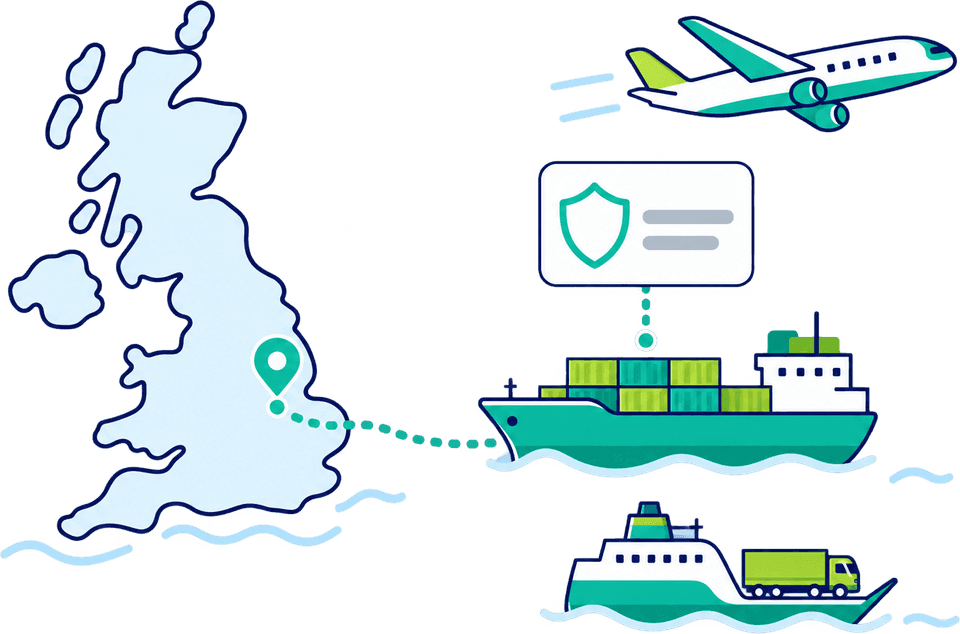
A Safety & Security Declaration, formally the Entry Summary Declaration (ENS), is the pre-arrival notification that gives HMRC advance cargo information before goods reach Great Britain. It is lodged electronically to the Safety & Security GB (S&S GB) system, separately from the customs declaration, and since 31 January 2025 it applies in full to GB movements.

Customs Declarations UK turns that obligation into a repeatable workflow. File ENS declarations directly to HMRC across air, sea, road and rail, with guided wizards, real-time validation, AI document extraction and the option to generate an ENS from an existing declaration.

Key features

Everything S&S filing needs, in one platform.

From a single ENS to high-volume, multi-mode filing, every declaration is validated before it is submitted to HMRC.

  • AI Document Processing

    Upload documents in any format. The AI extracts the contents and populates your ENS declaration fields for review.

  • Generate ENS from an Import Declaration

    Create an ENS directly from an existing import declaration in one click, with no duplicate data entry.

  • Guided Workflows

    Step-by-step wizards cover every ENS field for air, sea, road and rail. 99% of declarations are accepted on the first attempt.

  • Intuitive Error Handling

    Validation flags inconsistencies and missing fields before submission, reducing rejections and border holds.

  • Bulk Upload & Cloning

    Upload ENS declarations in bulk via CSV or Excel, or clone existing entries for high-volume lanes.

  • Real-Time Notifications

    Instant status alerts for ENS acceptance, risk queries and amendment responses.

  • Amendments

    Submit post-acceptance amendments directly through the platform.

  • API Integration Ready

    Connect your ERP, TMS or freight management system via API for automated ENS submission.

Coverage

Built for every S&S movement.

All modes

Every transport mode

  • Air, sea, road and rail fully supported
  • Workflows adapt to mode-specific fields and deadlines
  • Pre-arrival timing handled for each route
  • Bulk upload & cloning for high-volume lanes
  • Reusable consignor / consignee profiles
GB S&S

Built for Safety & Security GB

  • Pre-arrival ENS lodged directly to HMRC’s S&S GB
  • Generate an ENS from an existing import declaration
  • Handles the reduced dataset: 20 mandatory and 8 conditional fields
  • Guidance on routing, carrier and HS-code data
  • Real-time checks against current HMRC requirements
Connected end to end

Plug ENS into the rest of your stack.

One account links your Safety & Security filings to HMRC and to the systems and declaration types you already use.

How it works

From sign-up to submission in four steps.

From onboarding to live ENS filing, with reporting once your declarations are flowing.

  1. Step 1: On-boarding

    Obtain a GB EORI, subscribe to the GOV.UK Safety & Security service, register on the platform, and authorise it with HMRC.

  2. Step 2: Declaration Wizard

    Work through the ENS wizard with mode-specific validation on every field.

  3. Step 3: Review & Submit

    Real-time checks flag missing or inconsistent data, then confirm transmission to HMRC’s S&S GB.

  4. Step 4: Reports & Insights

    Track filing volumes, acceptance rates and history on interactive dashboards.

Why CDUK

Turn S&S compliance into a routine workflow.

A secure, cloud-based platform built with customs experts and kept current with HMRC’s Safety & Security rules.

  • Save cost by filing your own ENS declarations
  • Automate repetitive workflows and data entry
  • Save time with bulk filing and cloning of repeat lanes
  • Securely manage your filings with full encryption
  • Prevent filing errors with real-time validation
  • Manage post-Brexit change effectively
  • HMRC-aligned, continually updated platform
  • Adaptive to transport mode and requirements
Frequently Asked Questions

ENS questions, answered.

What is an ENS / Safety & Security declaration?

An Entry Summary Declaration (ENS) is a pre-arrival Safety & Security notification that gives HMRC advance information about goods entering Great Britain. It is lodged electronically to the Safety & Security GB (S&S GB) system and is separate from the customs declaration. It carries no duties or taxes and is used to risk-assess cargo before arrival.

Who needs to file, and since when?

Responsibility sits with the carrier, though it can be fulfilled by another party in the supply chain. Mandatory Safety & Security declarations for goods moving to and from Great Britain took full effect on 31 January 2025, ending the earlier waivers that applied to EU trade.

Which transport modes are supported?

Air, sea, road and rail are all supported. The guided wizard adapts to each mode’s specific data fields and pre-arrival deadlines, so the right information is captured.

What data does an ENS require?

Since 31 January 2025 HMRC has reduced the GB ENS dataset to 20 mandatory fields (always required) and 8 conditional fields (required only in specific circumstances). The platform prompts for what your movement needs, with inline guidance for routing, carrier and commodity data.

Can I generate an ENS from another declaration?

Yes. You can generate an ENS directly from an existing import declaration in one click, so you don’t re-key data that already exists.

How much does it cost?

ENS filing is pay-as-you-go with no monthly fee, so you pay only for what you file. If you file regularly or at volume, we offer custom subscription plans with volume discounts. Get in touch and we’ll tailor pricing to your operation.

Start Filing GB ENS Declarations Today

Choose pay-as-you-go with no monthly fee, or a custom subscription plan if you file regularly. Create your account and submit your Safety & Security declarations directly to HMRC. Filing in high volumes? Get in touch and we’ll tailor a plan around your needs.