LiveNCTS6 transit declarations are now live — alongside CDS, GB ENS, EU ICS2, GB GVMS and French ELO
Register
Platform · Trader profiles

Keep Familiar Trader Information Ready for the Next Declaration

Customers, suppliers, carriers and other parties appear across many shipments. Save each party once and reuse it so regular filings begin with correct, established details. Your team saves keying time on every declaration, and every operator works from the same records.

  • Saved parties
  • Instant retrieval
  • Document matching
  • Role control
  • Find a saved party by typing its nameType a few letters and choose the saved record, so address and country fill in for you.
  • Open one profile with EORI and addressSee the EORI, address and contact, and which declarations already use the party.
  • Parties in documents match saved recordsNames, addresses and EORI numbers read from documents are checked against parties you saved.

In a nutshell

Customs Declarations UK (CDUK) lets your team save and reuse party information, such as the businesses you declare for or deal with regularly. Instead of typing a name, address and identifier into every declaration, an operator retrieves the saved record and completes what belongs to this shipment.

The value comes from selecting the correct record, once, for everyone on your team. The same business can hold different roles in different movements, and CDUK keeps the role, legal entity and delivery address visible. Saved parties are built into the same account as every other service you file. Our UK-based team helps you load your regular traders during onboarding, so your first filings already start from saved records.

Why it matters

Consistency is the real saving

Retyping a business name, address or identifier takes time and creates small differences between entries. Reusing an established record gives every operator the same correct starting point for a familiar trader. Entries are quicker to prepare, easier to compare and cleaner in your records.

  • Retrieve instead of retype

    Select a saved party and bring its details into the declaration in one action. Names, addresses and identifiers arrive together, so common typing mistakes disappear.

  • Agents with multiple clients

    Bureaux and agents serve many traders, and CDUK lets you prepare each client's filings consistently from saved party records. Each new client adds records, not rework. Our team helps you set up your client arrangement during onboarding.

  • Regular suppliers and customers

    Businesses with a steady flow of repeat shipments gain the most. Familiar suppliers and customers start from established details instead of another round of manual entry.

  • Support from documents

    Document processing extracts party details from shipment documents and helps match them to your saved records, with no per-document fee. You review the match. When a new party appears, you can save it for next time.

  • Easier to compare

    When the same party is written the same way every time, genuine differences stand out instead of hiding in formatting. Consistent records also make it easier to search your history for everything filed for a particular trader.

  • A confident starting point

    A saved record gives you a correct starting point in seconds. Before submission your operator confirms the role and address that apply to this movement.

Five checks built in

A business can hold different roles

The importer is not always the buyer, the seller is not always the exporter, and a carrier is not automatically the declarant. Party information has to be used in the role the particular filing requires. CDUK prepares those declaration details from your saved parties, and your team decides which business belongs in each role.

QuestionWhy it matters to your filing
Which legal entity is involved?Similar trading names can refer to different businesses, so you pick the right record
What role does it have in this filing?A saved business can act in different capacities, and you assign the role per declaration
Which identifier is required?The identifier required depends on the system and role
Is the address current?Reused details should still reflect the transaction
Is representation involved?Your representation arrangement is set up once and kept on record

An identifier identifies a business, and your representation arrangements show authority to act for it. Keep both on record and CDUK keeps the parties organised.

Same business, different roles

Pick the record, then confirm the role

One saved business can appear in multiple positions across a year of filings, without duplicate records. Select a role to see what your operator confirms when the record is used.

The importer is not always the buyer

  • Import
  • Representation

On an import declaration the importing business and the business that placed the order can differ. Decide which legal entity the filing is for, then retrieve its saved record. The name, address and identifier are correct first time, and your reviewer can see which entity is named.

  • Select the legal entity, not just the familiar trading name
  • Use the identifier the declaration type asks for
  • Where you file for a client, keep the representation arrangement on record
Illustrative example

When the document and the saved record disagree

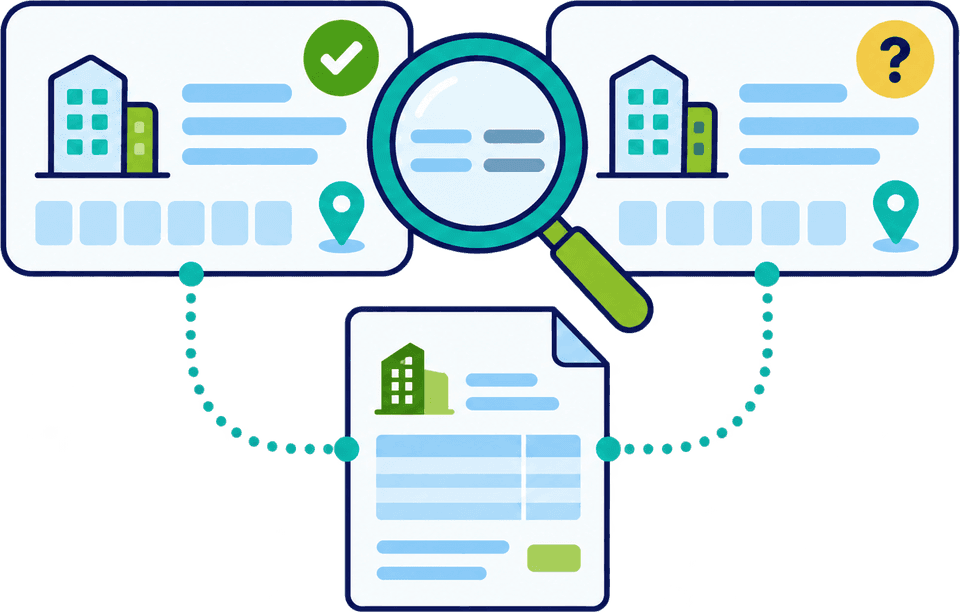
A familiar name can hide a changed legal entity, delivery address or role. CDUK puts the document and the saved record side by side, so your operator sees the difference and resolves it before the declaration is submitted.

Party review

Compare the proposed party with the source

In this example an invoice names the consignee slightly differently from the saved record, and the delivery address has moved. Neither is silently preferred. The operator checks the actual business involved and decides which details apply.

The example uses made-up names and a placeholder identifier. Over many filings, the side-by-side view catches changes that would otherwise slip through unseen, and your history shows what was decided.

  • See document and saved record side by side
  • Decide what to keep or update
  • Confirm role and representation apart from the address
Documents support selection

A familiar name meets the document

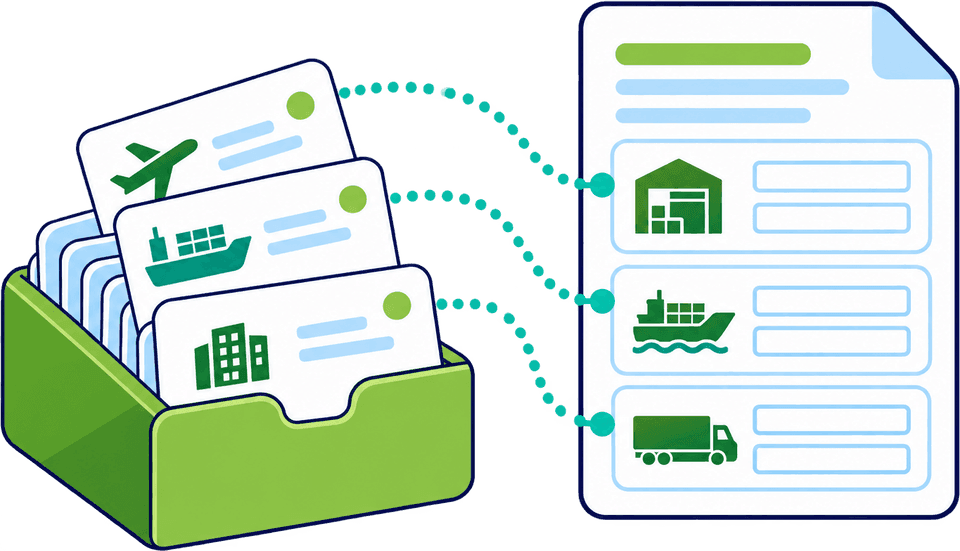
Document processing extracts party details from your invoices, packing lists and transport documents and matches them against your saved party information. You review the proposed details against the business actually involved and the draft is built from them.

Any difference is shown to you as a question to settle. A supplier may have changed its legal entity, a customer may have moved a warehouse, or a haulier on the transport document may be new to you. With the saved record and the document in front of you together, the comparison takes seconds instead of a search through old files.

For more on how reuse sits alongside other starting points, see templates and data reuse.

See party matching in a demo
Shared records, clear owners

Reliable reuse starts with a simple routine

A saved record is only as good as the last time it was checked. Your team decides who maintains the records for regular traders and updates them the moment a change is reported. Our team helps you set the routine up during onboarding.

Suggested record-keeping process
  • Customer or supplier noticeA trader tells you its address or details have changed
  • Current documentsInvoices and transport documents that name the parties
  1. Step 1: Check what changed

    Registered address, delivery location, legal entity or role. A quick look at the current invoice or a note from the trader is usually enough.

  2. Step 2: Decide what it affects

    Work out which declaration roles need the new information and which keep the old.

  3. Step 3: Update the record

    A named person amends the saved information once, and every later declaration uses it. No operator needs a private copy of a trader address.

  4. Step 4: Check on next use

    The next operator confirms the record against the current documents, with document matching as backup. If anything differs, the cycle starts again.

A short routine agreed within your team keeps shared records accurate.

Product information

Keep product information current too

Repeat product descriptions and previously used commodity information also speed up preparation. Use earlier declarations, templates and bulk editing to carry familiar goods forward, and update specification, origin and value where they have changed. The classification decision stays yours.

Reuse

What reuse can help with

Familiar goods do not need to be described from scratch each time.

  • Start from a previous declaration that included the same goods
  • Use a template for a recurring type of job
  • Apply shared details to selected lines with CDS bulk editing
Review

What you update

A saved description is a head start. You verify the code for a changed product, with UK Tariff lookup to help.

  • Changes in composition, specification or origin
  • A different value or supplier for the same product
  • Any new product with no earlier answer to reuse
Frequently Asked Questions

Questions about trader information.

Can agents reuse information for different clients?

Yes. CDUK supports filing for multiple clients with reusable party information, so each client's declarations start from the right parties. Our team helps you set up the account arrangement during onboarding. See customs agents and brokers for how bureaux use the platform.

Does an EORI check prove we can act for a trader?

No. An Economic Operators Registration and Identification (EORI) number identifies the business, and your representation arrangement shows your authority to act for it. Keep both on record and CDUK keeps the parties and roles organised in your declarations. Our team can advise on client arrangements during onboarding.

Is this a customer relationship management system?

No. Trader profiles are reusable party information built for customs preparation. Your sales pipeline and client billing stay in the tools you already use, and CDUK handles the filing.

What happens if the document and the saved record differ?

You see the difference side by side and resolve it before the declaration is submitted. Check the proposed details against the source and the business actually involved, then choose which apply. Nothing is overwritten silently.

Can I save product information as well as parties?

Yes. You can reuse product information through previous declarations, templates and bulk editing, and update anything that has changed. Tell us the declaration types you file and we will show you the reusable-data tools for each one.

Who maintains our saved party records?

Your team decides. Agree who maintains the records for regular traders and when they are checked, and tell us about any access needs during onboarding so we can set your account up to match. See workflow and collaboration.

Make Familiar Parties Easier to Work With

Bring a few of your regular traders and we will show how saved party information speeds up your declarations. Or register now: accounts are activated instantly, with pay as you go pricing and no monthly fee.