LiveNCTS6 transit declarations are now live — alongside CDS, GB ENS, EU ICS2, GB GVMS and French ELO
Register
Platform · Audit trail & reporting

Make the Filing History Useful After Submission

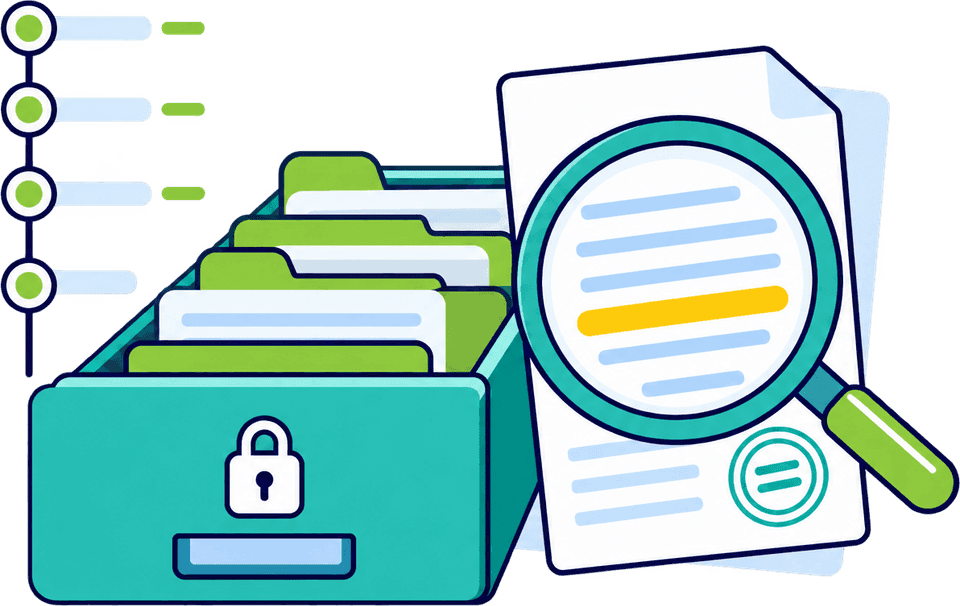
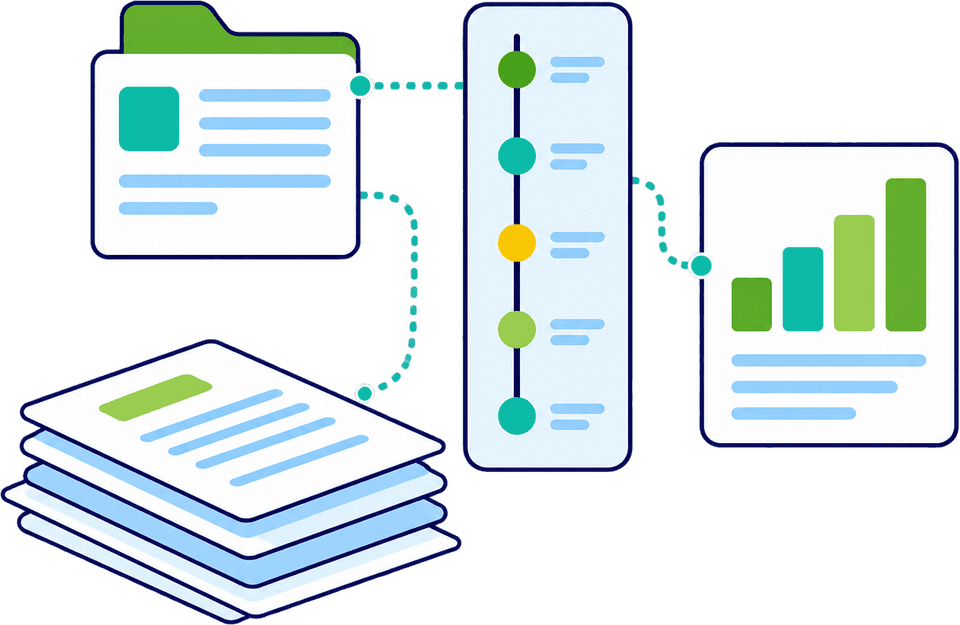
A customs record should explain what was filed and what happened next. CDUK brings declaration history, supporting documents and customs responses into the one account you file from, so your team can answer questions in seconds. Reporting shows filing activity over time. Every entry keeps its documents and responses attached, so a colleague can pick up where another left off.

  • Declaration history
  • Authority responses
  • Supporting documents
  • Published reporting
  • Find any past declaration by referenceSearch by your own reference or MRN and open the record without digging through e-mails.
  • Read every response beside the declarationEach message is time-stamped on the entry, so your team can answer any query from one place.
  • Keep corrections on the same entryAn amendment stays linked to the original filing, so the history explains both.
  • Report on filing activity over timeSee volumes by direction and download the figures, without building a spreadsheet by hand.

In a nutshell

Filing a declaration is rarely the end of the work. A customer asks why a shipment is held, an operator picks up a colleague's entry, or a manager wants to know how much filing the team handles. When the declaration, its supporting documents and the customs response sit together, each of those questions takes minutes.

When you file in-house on CDUK, the record is yours: declaration history, status and response visibility, and published reporting inside the platform you file from.

Our team walks you through what each service shows, so your people know where to look from the first filing. Over time the history becomes your team's reference for how each customer and lane is handled.

The record behind the reference

A movement reference number (MRN) identifies a filing. The record explains it.

A reference number is the quickest way to find an entry, but on its own it does not tell you what was declared or how the customs system treated it. Three parts of the CDUK record do, and they sit together so your team does not have to piece the story together from emails and attachments.

  • The declaration itself

    Parties, goods, values and procedure show exactly what your team prepared and filed. It is the first place to look when someone asks what a reference relates to.

  • The response behind it

    The authority's response explains how the customs system processed that submission. Seen next to the declaration, it helps your team tell an accepted entry from a released shipment and act on a query the moment one arrives. Notifications mean nobody has to keep checking, and the outcome is recorded against the entry.

  • The documents that informed it

    Invoices, packing lists and transport documents explain where the declared data came from. Where supported, relevant source documents stay attached to the filing, so the evidence is on hand when a colleague or customer asks.

Understand the sequence of events

Preparation, submission, response, then what?

A filing usually moves through several stages. On CDUK every stage stays linked to the same entry, so your team can see where a filing stands and what happens next, including across handovers between colleagues, shifts or sites.

A typical filing sequence
  1. Stage 1: Prepared

    Data is entered, imported or drafted from documents, then checked by your own person before it is submitted, with built-in validation helping at every step. Templates and saved parties supply the routine data.

  2. Stage 2: Submitted

    The reviewed declaration is submitted directly through the filing workflow for that service, with the submission recorded against the entry.

  3. Stage 3: Authority response

    The customs system returns its response, and you are notified. Your team reads it, and any action it requires, against the filing. Accepted, queried or rejected, the response sits alongside the declaration.

  4. Stage 4: Follow-up

    Further actions, such as answering a query or amending a filing where the service allows it, stay linked to the same entry, so nothing is lost between people.

Message names and the actions available differ between services. Our team shows you the terminology for each module you will operate.

What each part of the record is for

Match each record to the question it answers.

Different people ask different questions of the same filing. This table shows which part of the CDUK record answers which question. Operations, support, finance and compliance all read from the same record.

RecordWhat it helps the reviewer understandTypical question
Declaration detailsWhat information was prepared and filedWhat did we declare for this consignment?
Supporting documentsWhich shipment records informed the entryWhich invoice did this value come from?
Customs responsesWhat the authority returned and what action is requiredHas customs accepted this, and is anything outstanding?
Movement referencesWhich filing or movement is being discussedAre we talking about the same movement reference as the customer?
Available history and reportsHow each filing fits within wider activityHow much of this did we file last quarter?

History and reporting differ slightly by service. Our team shows you the fields, messages and export options for the services you file.

Illustrative example

Read a filing as a sequence, not a status.

Example timeline

One entry, viewed from the support desk.

A customer asks whether their shipment has been dealt with. Instead of forwarding an old email or phoning someone for an update, the operator opens the entry in CDUK, reads what happened in order and replies. The whole exchange takes a couple of minutes.

  • Confirm which filing the customer means by its reference
  • Read the latest response alongside the declaration details
  • Check the documents the entry was prepared from
  • Decide whether the next action sits with the customer, your team or the authority
Use reports to ask better questions

Reporting works best when it starts with a question.

CDUK's published reporting and dashboard capabilities give you a clear view of declaration activity across the team. Every role gets its answers from the same account, without waiting for month end. Agree the measures and filters each role needs with our team. See dashboards, reporting and analytics for the dashboards, report builder and scheduled reports.

Where is the team spending its time?

  • Dashboard view

Operations leads want to see filing activity over a period and where entries need follow-up. A dashboard view gives that picture directly, so you can plan resource and spot bottlenecks.

  • Filing activity over a chosen period
  • How the mix of services is changing
  • Where follow-up takes the most time, so you can fix it
Evidence behind the decision

Keep the evidence behind every decision.

The declaration record explains the filing, and the full basis for a customs decision may sit in additional documents. Product specifications, valuation calculations, origin evidence and authorisations all matter when you explain the treatment used.

Filing in-house means you hold the evidence and the filing record together. Use CDUK's filing information alongside the records kept by your customs, finance and operations teams, and a query becomes a quick lookup.

Filing history gives you a clear view of activity. A customs audit looks further, at the underlying evidence and wider records, and as declarant your business owns that evidence. Our team can show you how to organise it alongside CDUK.

Explore workflow and collaboration
Make record review a routine task

A small habit that improves the source process.

Regular review of your own records surfaces recurring data gaps, inconsistent descriptions and customer information clarified repeatedly. Fixing the source once saves time on every later shipment, and CDUK keeps the history you need to see the pattern.

  1. Step 1: Pick a rhythm

    Choose a weekly or monthly slot to review recent filing activity and responses. Fifteen minutes with the history in front of you is usually enough to see what needs attention.

  2. Step 2: Look for repeats

    Note entries that needed the same clarification or the same correction more than once. Repeats point to a process gap. Look at descriptions, quantities and references first, as these are the usual sources of repeat questions.

  3. Step 3: Fix the source

    Update the template, the supplier instruction or the saved party record where the gap begins. One fix in CDUK carries through to every declaration that reuses it.

  4. Step 4: Brief the team

    Share what you found so the same question is not asked on the next shipment. Our team is on hand to help with training when new colleagues join.

Questions about records and reports

What teams ask about history and reporting.

Is an audit trail the same as a customs audit?

No. Filing history shows what was filed and what came back. A customs audit also examines the underlying evidence, decisions and wider records held by your business. With CDUK your team holds the filing record, and you hold the wider evidence.

Can we export information?

Declaration export and reporting capabilities are described on the GB Customs Declaration Service (CDS) and EU Import Control System 2 (ICS2) service pages. Tell us the format and fields your process needs and our team will confirm them for you.

Is every field change recorded permanently?

CDUK keeps declaration history, documents and responses together against each entry. Tell us the level of history detail and retention your team needs and we will confirm what the platform provides for your services.

Can reports replace our finance reconciliation?

Reports give your finance team the filing data as a direct input to its own reconciliation. Tell us the values, statuses and scope you need and we will confirm they are covered for your declaration types.

Does an accepted entry mean the shipment is released?

No. Acceptance of a submission and release of goods are different things, which is why CDUK shows the authority's response next to the declaration. Your team can follow each response and any instructions that apply to the goods.

Does CDUK check our filings for errors?

CDUK validates declarations in real time before you submit, which is where errors are cheapest to fix. Reviewing your history afterwards helps your team spot recurring data gaps. See compliance and validation for the checks.

Can we keep source documents with the declaration?

Yes, where supported, relevant documents stay attached to the declaration they informed. Where documents are the starting point, AI document processing turns them into a reviewable draft that your team checks before filing.

Show Us the Question You Need the Records to Answer

Tell us the enquiries your team handles and the reports you rely on, and we will show you how CDUK answers them. Register now and your account is activated instantly, with no monthly fee and no minimum volume. Our UK-based team will help you set up review routines that suit your volumes.