New · Item information
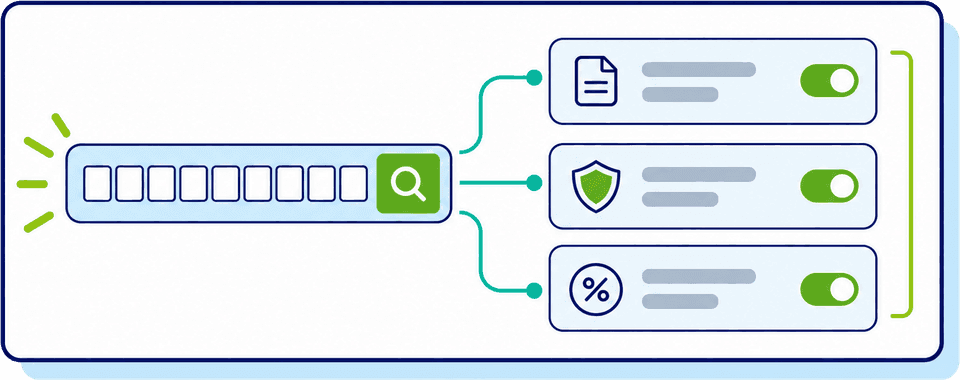
Update one, multiple or all items at the same time.
Fill in only the fields you want to set — shipping marks, additional documents, valuation information — choose which goods items they apply to. Only fields with a value are written; blank fields are left unchanged on every item.
- Select one, multiple or all commodity lines and update them at the same time
- Bulk-update shipping marks, additional documents, valuation information and other commodity details
- Review and amend individual lines whenever item-specific information is required
#12203000100Beer of malt#22203000900Containers of 10 litres or less#32202910090Non-alcoholic beer mix#44415209000Pallets & load boards
- Section 1 — Parties+
- Section 2 — Item Details+
- Section 3 — Valuation Information+
Changes only apply to the checked goods items. Fields you leave blank stay unchanged.